Revised: 11/14/2025
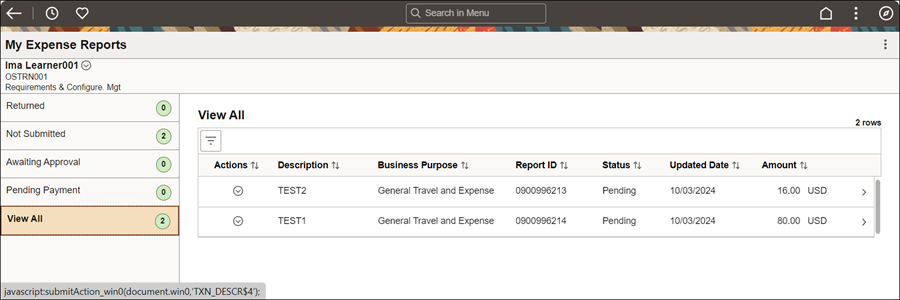
The traveler can modify Expense Reports as needed (including dates, amounts, and payment type) directly from the Expense Report Entry page prior to submission for approval. In addition, a Supervisor may Send Back or Deny Expense Reports if they find inaccurate expenses, if the details justifying an expense are missing, or if a receipt is missing for an expense greater than $30. The traveler will receive an email notification when incomplete or non-compliant Expense Reports are sent back for revision, placed on hold, or denied.
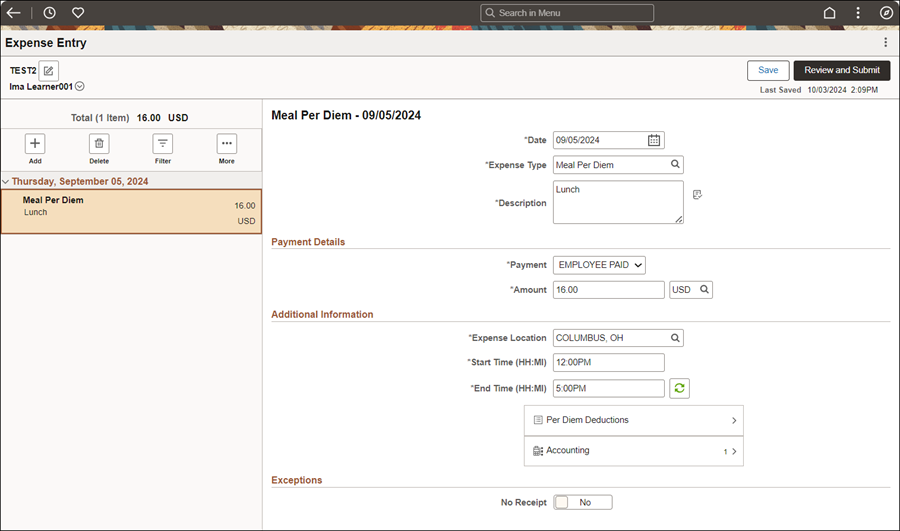

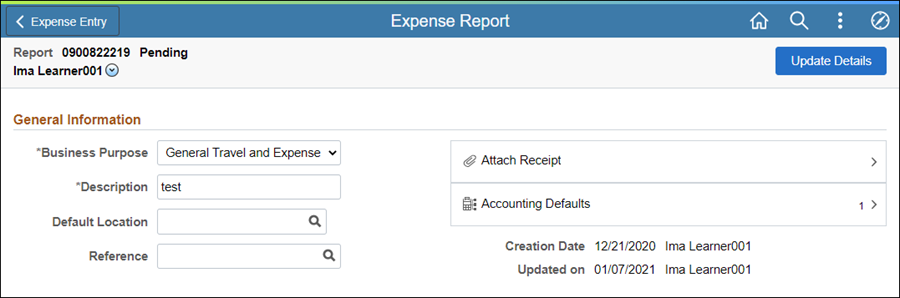
At least one expense type must be entered before saving or submitting; otherwise an error message will display.
Saved will briefly appear in the top, right corner.
Click Review and Submit if completed.
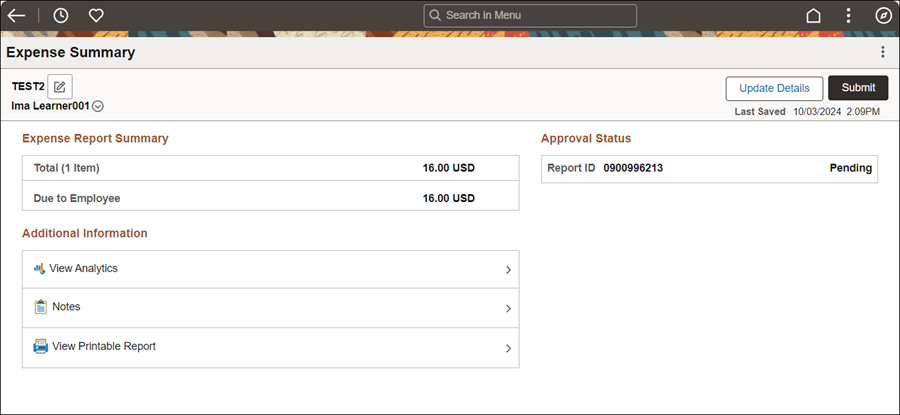
Enter Comments / Notes providing justification for the following exceptions:
When dates on the Travel Authorization do not align with the dates on the Expense Report.
When claiming reimbursement for Meal Per Diems and lodging was State prepaid.
When reimbursement information on the Expense Report does not match receipts provided (name, location, charges).
When Per Diem does not align with hotel location, intermediate destinations, and / or vicinity mileage.